











Four steps to digital quality management
Enjoying good, safe food without a worry
In recent years, food businesses have had to digitalise more than ever. Quality tasks had to be carried out remotely, and remote audits were sometimes necessary. It certainly helps if all documentation is available digitally. With a roadmap for digital quality management, quality managers can prepare for the future. Follow the steps below.
First, establish your starting point:
- Map the tasks carried out by the quality department;
- Identify which tasks have already been digitalised;
- Consider whether you are satisfied with the current level of digitalisation or what you would like to change.
Goals to achieve
Once you know your starting point, the second step is to identify the goals you want to achieve on your digitalisation journey. Having a clear focus makes it easier to find the right solutions. These goals might include:
- Saving time on administrative tasks in the quality department;
- Having real-time visibility of processes, overviews and the correct document versions at all times;
- Increasing support for quality management across the organisation;
- Maintaining control of quality management as the organisation grows and the number of sites increases;
- Easily resolving complex issues, such as calculating the nutritional values of complex recipes.

Choosing an approach to digitalisation
The third step is to decide how to digitalise. This depends in part on the available budget. Digitalisation is an investment that often pays for itself quickly. Online software solutions do not always require a major investment, either. For example, you could prepare a business case (feasibility study) that includes a cost-benefit analysis.
No budget available? You can start by partially digitalising tasks yourself, for example by using formulas in Excel. This will not achieve all your goals, but it is a start. If you do have a budget, consider the points below to map out the right route to digitalisation.
Who will use the software?
Consider who will be using the software. Will it be used only by the quality department, or across the entire business? If a large number of employees will be using it, consider how easy it is to use. For example, look into the following:
- Is the software easy for all employees to use?
- What training will employees need to use the software effectively, and is there time available for it?
- How soon can the software be implemented, and how much time will implementation take?
- How quickly can existing data be transferred to the software, and can the migration be outsourced?
- Is there a clear user guide and support service available to answer questions?
Offline software
Digital quality solutions are available as offline and online software. Offline software, also known as on-premise software, is installed on the company's computers. These computers must meet certain requirements for the software to function properly. In most cases, data is stored on your own computer. The main advantage of offline software is that you usually only need to buy it once.
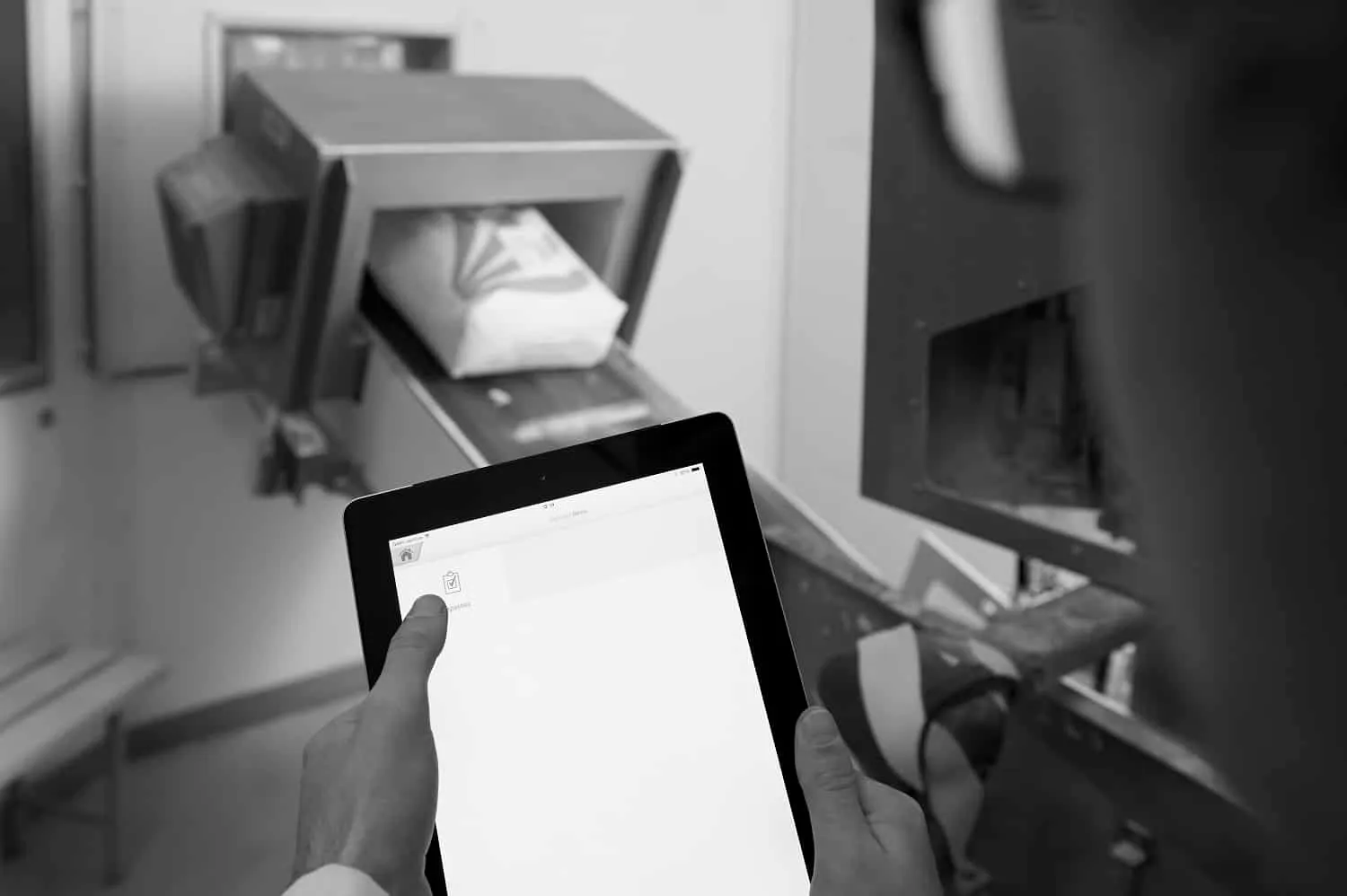
However, offline software also has several disadvantages. The one-off purchase often requires a substantial investment. In addition, the organisation needs IT facilities for installation and maintenance. What happens if several employees need to use the software? It is also important to check in advance whether the software can be updated regularly and whether additional charges apply. To work securely, software must always be updated promptly.
Online software
Online software is accessed via the internet. This is also known as Software as a Service (SaaS). Users do not need to buy the software, but instead, for example, sign a contract that charges annual and/or monthly licence fees. An internet connection is always required to use this software.
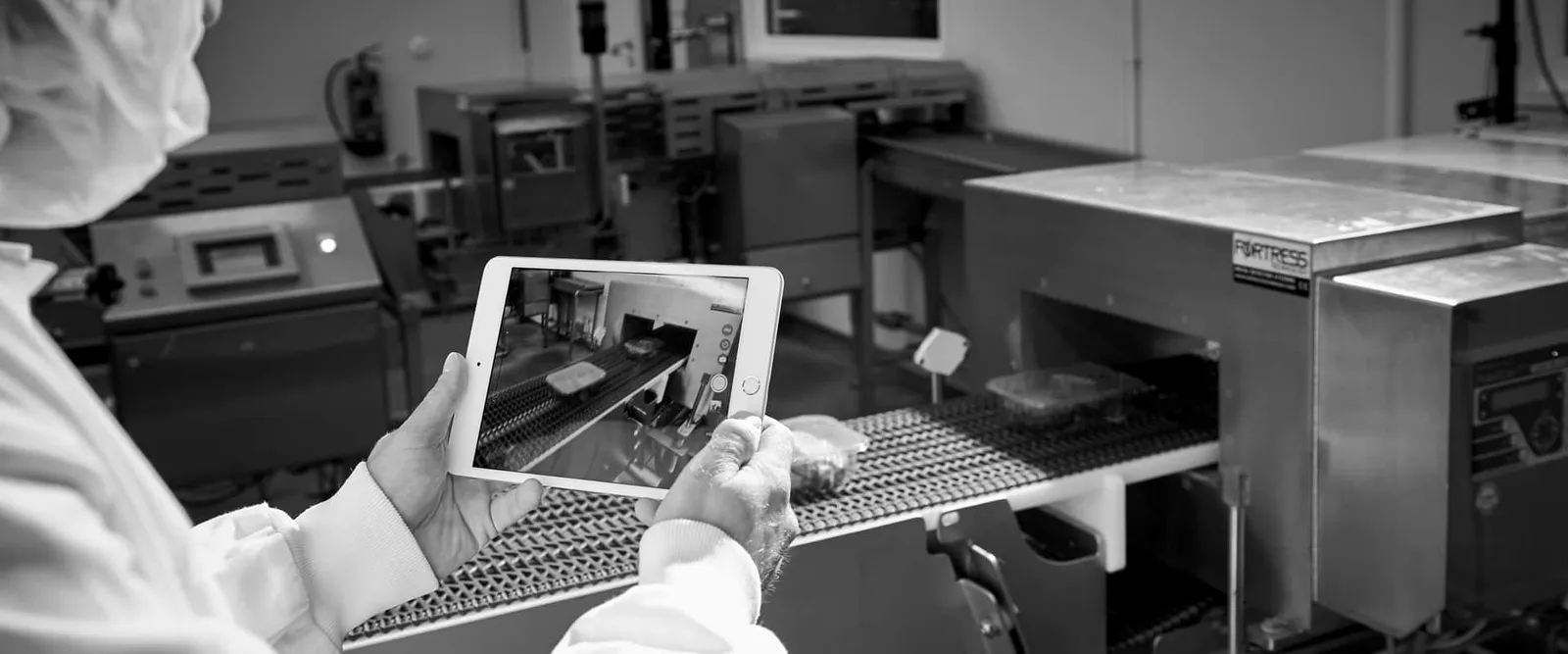
This can be a disadvantage if the organisation's internet connection is unreliable. Data is stored in the ‘cloud’, not on your own computer. The software and its data can be accessed from any computer with an internet connection. Some solutions combine online software with offline capabilities, such as our Inspectie app, which can be used offline. This is useful, for example, when carrying out an inspection in areas without an internet connection, such as cold stores.
Working online offers several advantages. If a computer crashes, for example, data is never lost. It is also easy to share data with colleagues across the organisation. Always check in advance how the software is secured.
Working securely in a digital environment
Data must be stored securely, whether you work offline or online. This is vital for your organisation and also required by GFSI-recognised certification standards, such as BRCGS. For example, version 8 of the BRCGS standard states:
If documents and/or records are stored digitally, they must be:
- Stored securely, for example with authorised access, change control or password protection;
- Backed up adequately to prevent data loss.
Always check that the required security standards can be met. Also consider factors such as the provision of interim updates, server reliability and application uptime.
Standalone solutions or an integrated package
Your business may already use standalone software solutions. Software companies are increasingly offering integrated solutions that can be purchased as modules. This combines the advantages of standalone solutions, since there is no need to buy a complete package straight away, with other benefits, including:
- Employees are familiar with how the package works, so when a new solution is added, they do not have to learn all the functions from scratch;
- All data is available in one environment, making it easy to find the information and overviews you need;
- Some applications bring together data from multiple modules, providing a single, comprehensive overview, for example.
Prepare for the future
The quality landscape is constantly changing, so the roadmap for digital quality management needs to be reviewed and updated regularly. Good preparation is half the battle. Consider carefully what you expect from digital solutions in the future. Questions to ask include:
- Is the software automatically updated to reflect changes in legislation and regulations, certification standards and retail standards?
- Are new features and solutions being developed?
- Is the software company's long-term viability assured?
Together, we can create a roadmap for your business
In short, there is plenty to consider when taking the step towards digital quality management. This brings us to the fourth step. We offer food businesses online QA software, comprising several modules. During a free demo, we show you the different modules and explain how they address the challenges facing your business. Together, we can create a roadmap for digitalising quality management. Our quotation includes a Service Level Agreement (SLA), which describes the quality of the software we provide and sets out how matters such as security, updates and backups are managed. This makes it easy to complete your roadmap.
Question about this story? Ask your question
Keep following this
Get an email when a new story is published. No account needed.
- ThemeFood safety from design to audit
- SubjectFood safety