











Formatting food labels with allergens: child’s play with NiceLabel 10 software!
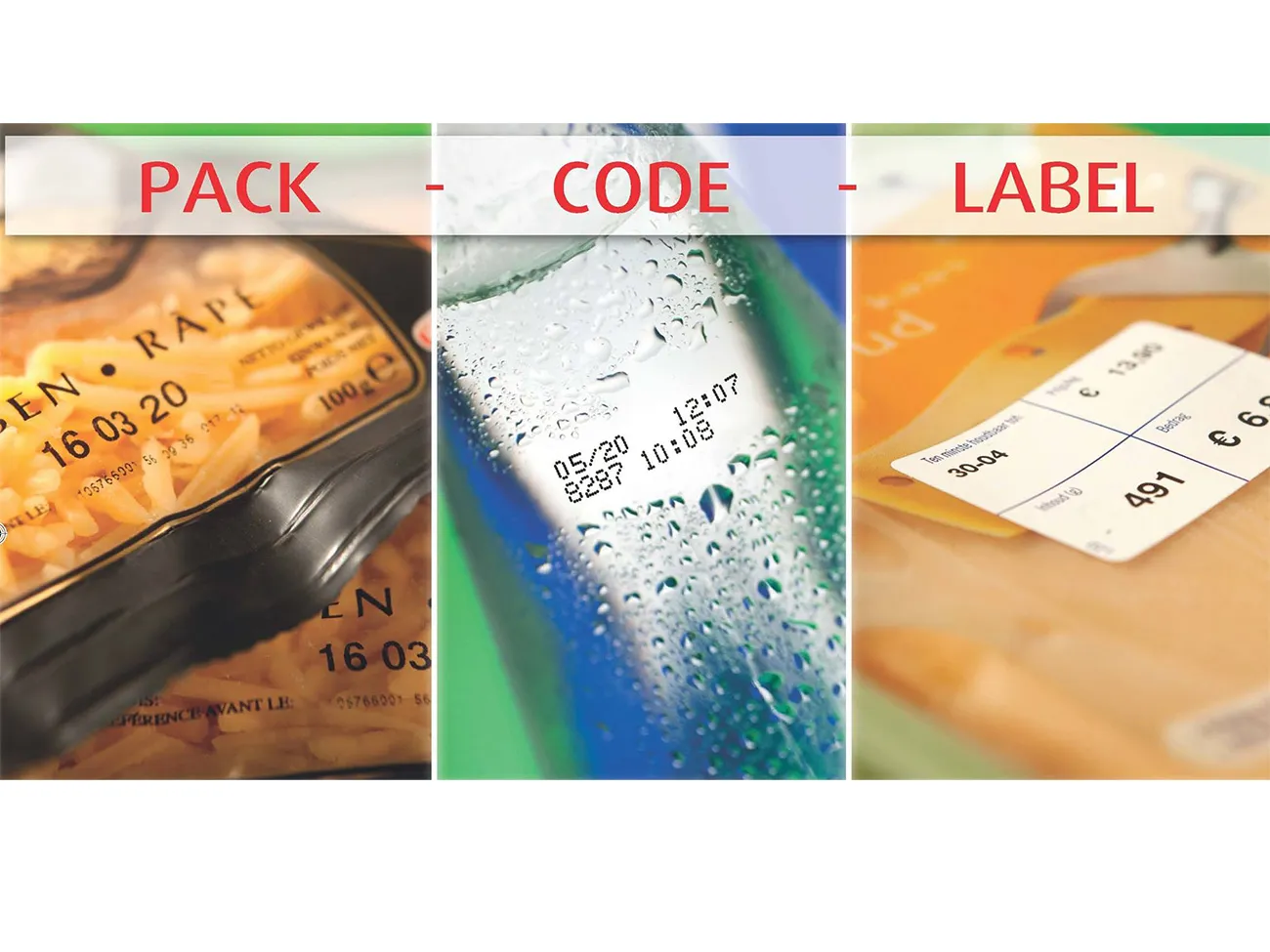
European Union food labelling legislation (Regulation (EU) No 1169/2011) not only specifies what information must appear on a label, but also how certain information must be presented. The regulation sets out detailed requirements for font size, but leaves it to the user to decide exactly how to highlight allergens. In any case, allergens must be clearly distinguishable from the other ingredients, for example by printing their names in bold, in capital letters or in a different colour, so they stand out.
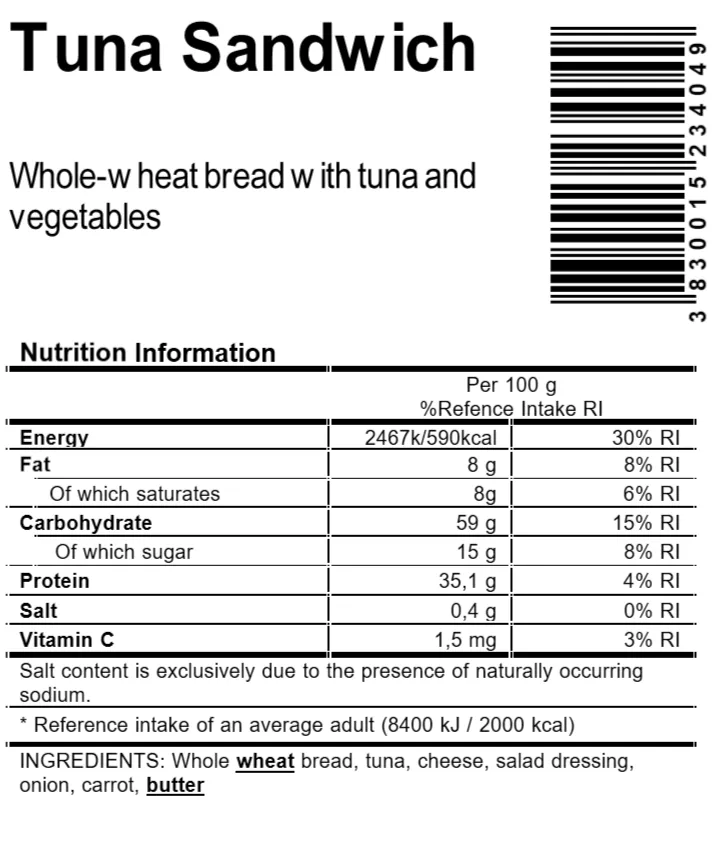
Easy allergen highlighting with NiceLabel software
NiceLabel software supports allergen formatting as standard, using dedicated functions. These predefined functions enable you to highlight allergens in the ingredients list. You can use bold, italics, underlining, capital letters or a combination of these to highlight them. The function returns RTF-formatted data that you can use with the ‘Rich Text Box’ object.
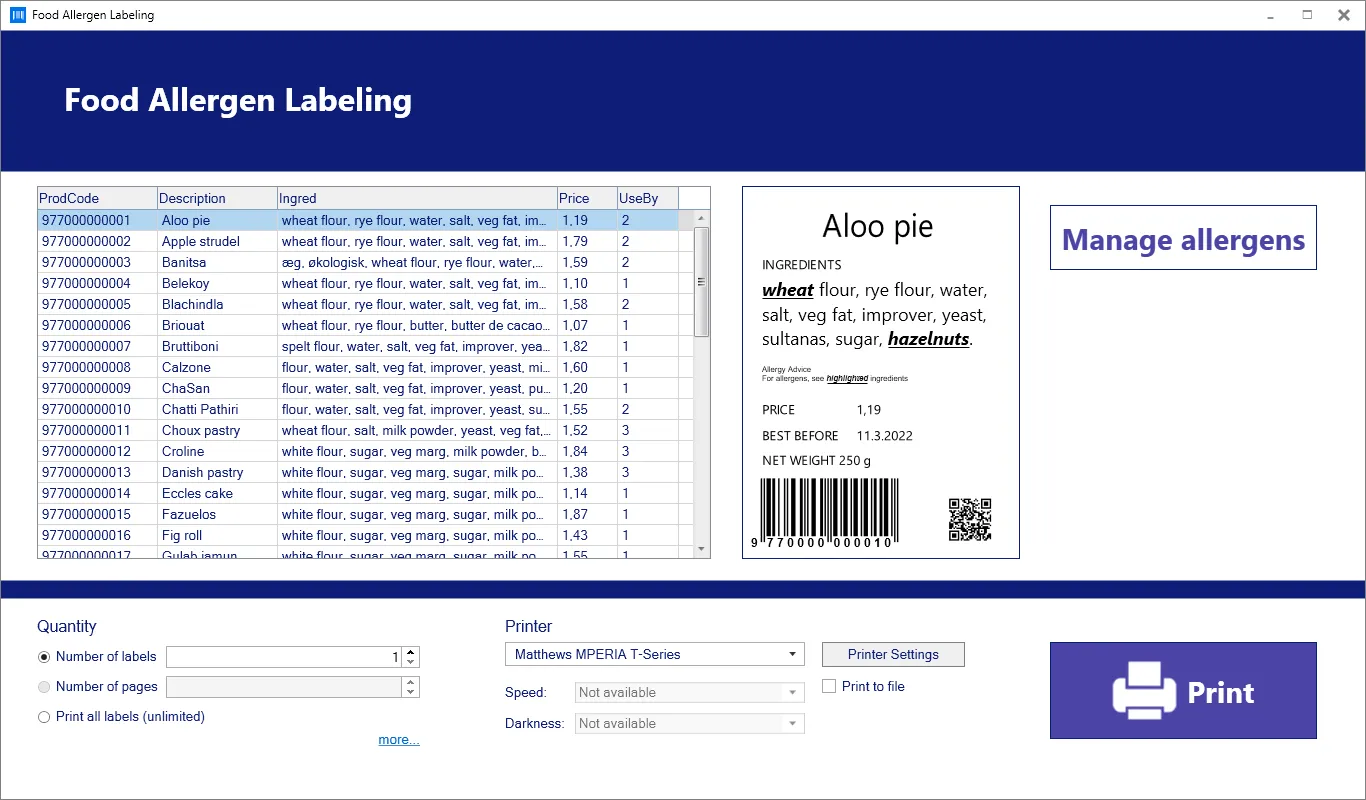
Handle exceptions with ease using NiceLabel software
Sometimes an allergen word appears in an ingredient that does not fall into the allergen category. In that case, you can use the “WithExceptions” functions in NiceLabel. These functions accept an additional input parameter, a list of exceptions. In other words, these are words or phrases that should not be formatted, even if they contain the allergen word.
For example: if you define “milk” as an allergen, it will also be highlighted in the ingredient “coconut milk”, which is incorrect. You can define “coconut milk” as an exception, so NiceLabel Designer will not highlight the word “milk” when it appears in the phrase “coconut milk”.
Question about this story? Ask your question
Keep following this
Get an email when a new story is published. No account needed.
- ThemeFood safety from design to audit
- SubjectSolutions